3DISM Qalam · Documentation
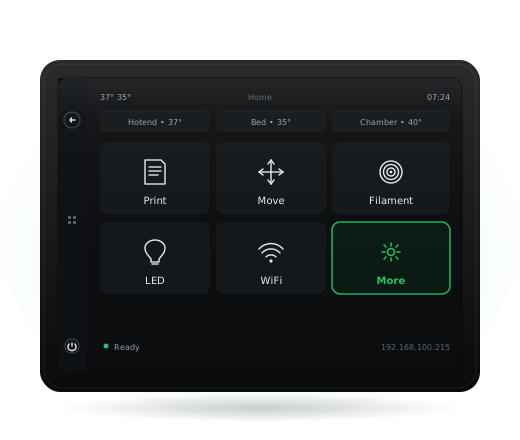
The complete screen manual
Step-by-step walkthroughs for the tasks you'll do, and a full reference for every panel on the printer's touchscreen.
7 walkthroughs
16 panels
5 categories
Walkthroughs
Step-by-step guides.
Each guide walks through a complete task from start to finish.
First time setup
From unboxing to your first print
Your first print
From the home screen to a finished part
Change filament
Switch colour or material between prints
Calibrate bed mesh
Get a perfect first layer at any bed temperature
Tune live during a print
Live Z adjust, speed, flow, and more — without stopping
Connect to 3DISM Cloud
Email notifications + remote monitoring
Recover after power loss
Pick up exactly where the printer left off
Panel reference
Every screen, in detail.
Reference documentation for every screen — bookmark the ones you'll come back to.
01 — Home & menus 2
02 — During a print 2
03 — Materials 3
04 — Motion 4
05 — System 5
Print / File browser
Start a print from saved G-code files
Home → Print tile
Network panel
Connect to WiFi · view IP
Settings menu (gear icon in the side panel's quick menu) → Network
Remote Access panel
3DISM Cloud pairing
Home → WiFi · or · More → Remote Access
Resume Print panel
Power-loss recovery
More → Resume Print
Info panel
Printer identity + system status
More → Info